Git for Beginners: Basics & Commands
Short answer: Git is a version control system (a tracker) that tracks changes in our code base.
What is git?
git helps us track changes in our project such as code modifications, newly added files and the user who has made these changes.
Why git is used?
Well, git is used to avoid the hassle of tracking these code changes, saving history and helps in collaboration.
work/changesare saved as commits, we can move back and forth among these commits.Branchingmakes experimentation easier as multiple developers can work simultaneously.
Common concepts
repository: a storage of our code, local (our machine) or remote (github).commits: commits is how we track these changes and save them.branch: branches can help us work on new tests/experiments on code easily.for example-these provide us a snapshot of the current state/ ormainbranch of repository and now experimentation can be continued in this new branch, if all goes well we canmergethese changes back.
Developer workflow
git init- initialize git inrepogit branch -m “branch-name”- changes the current branch name,git branch -m maingit add <file>- add file to staging areagit add .- stage all changes
git status- status of files can be seen added or not in staging areagit commit -m "your_msg"- commit / save these files with a message about the changes.
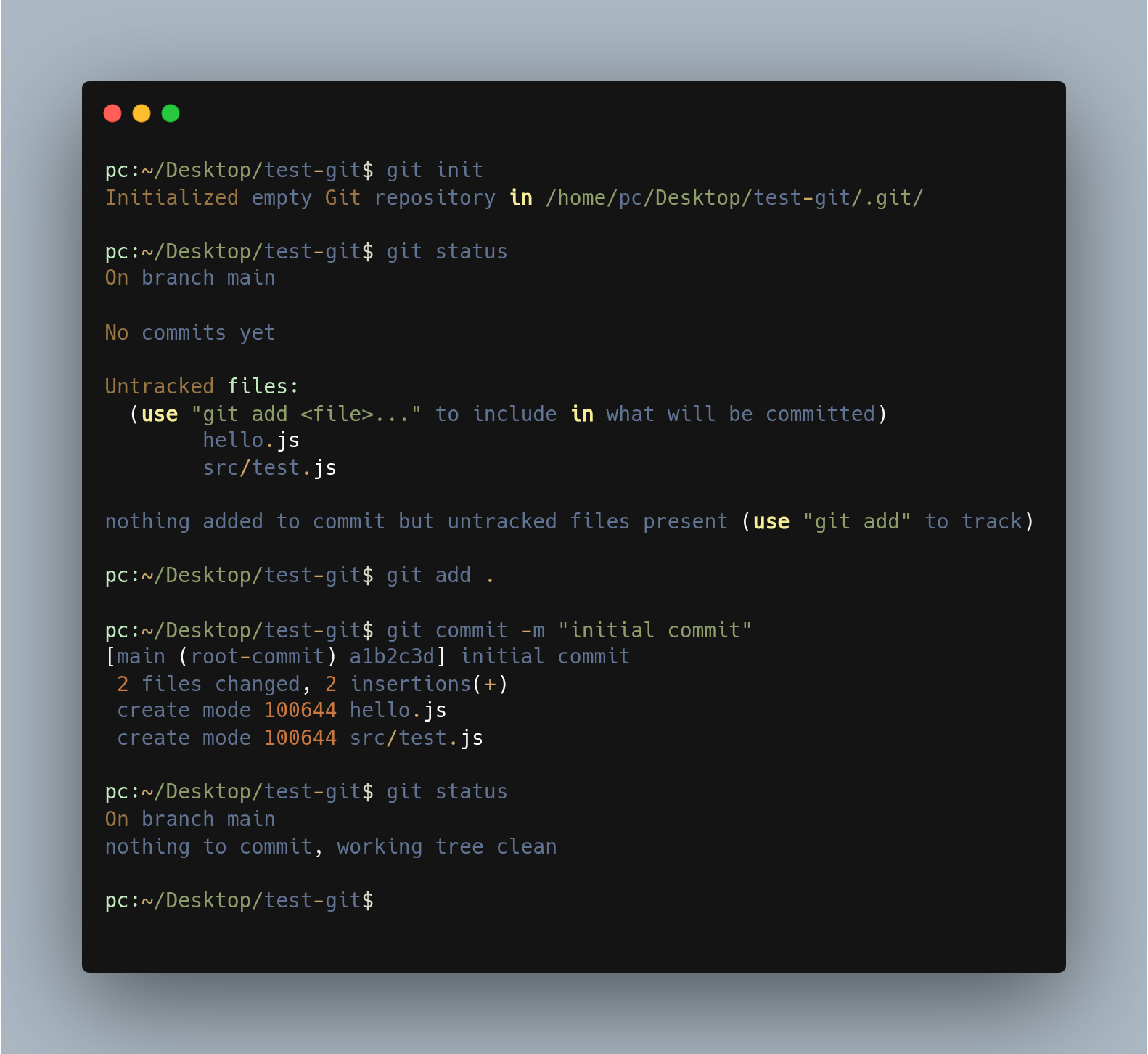
commands-
git log- a log of previous commits/historygit branch- check branchgit switch -c “new-branch-name”- new branchgit branch -D “branch-name”- delete a branchgit diff/git diff <latest-commit-hash> <prev-commit-hash