Getting Started with cURL
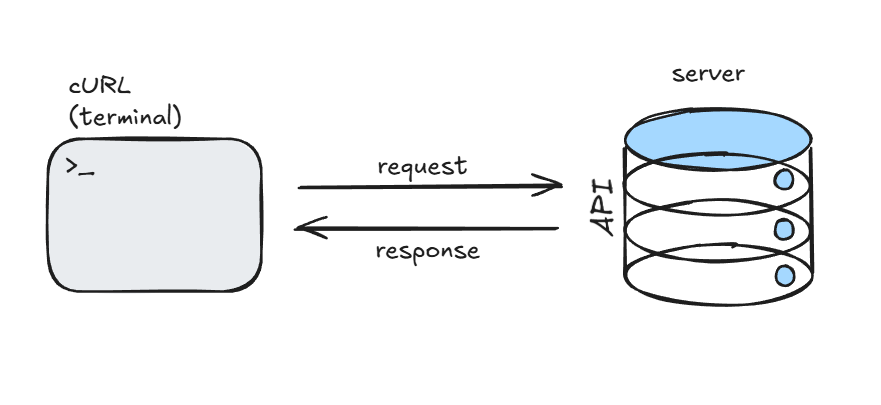
To learn about curl , let’s know a little about the server first.
So, a server lets us / client access the data, resources giving us proper management, compute and ensures efficient working for apps and users.
Data - yes, that’s what curl exactly helps us do.
Let’s see what linux tells us about it—
curl is a tool for transferring data from or to a server using URLs. It supports these protocols: FILE, FTP, HTTP, HTTPS, IMAP, SMTP, WS and WSS etc.
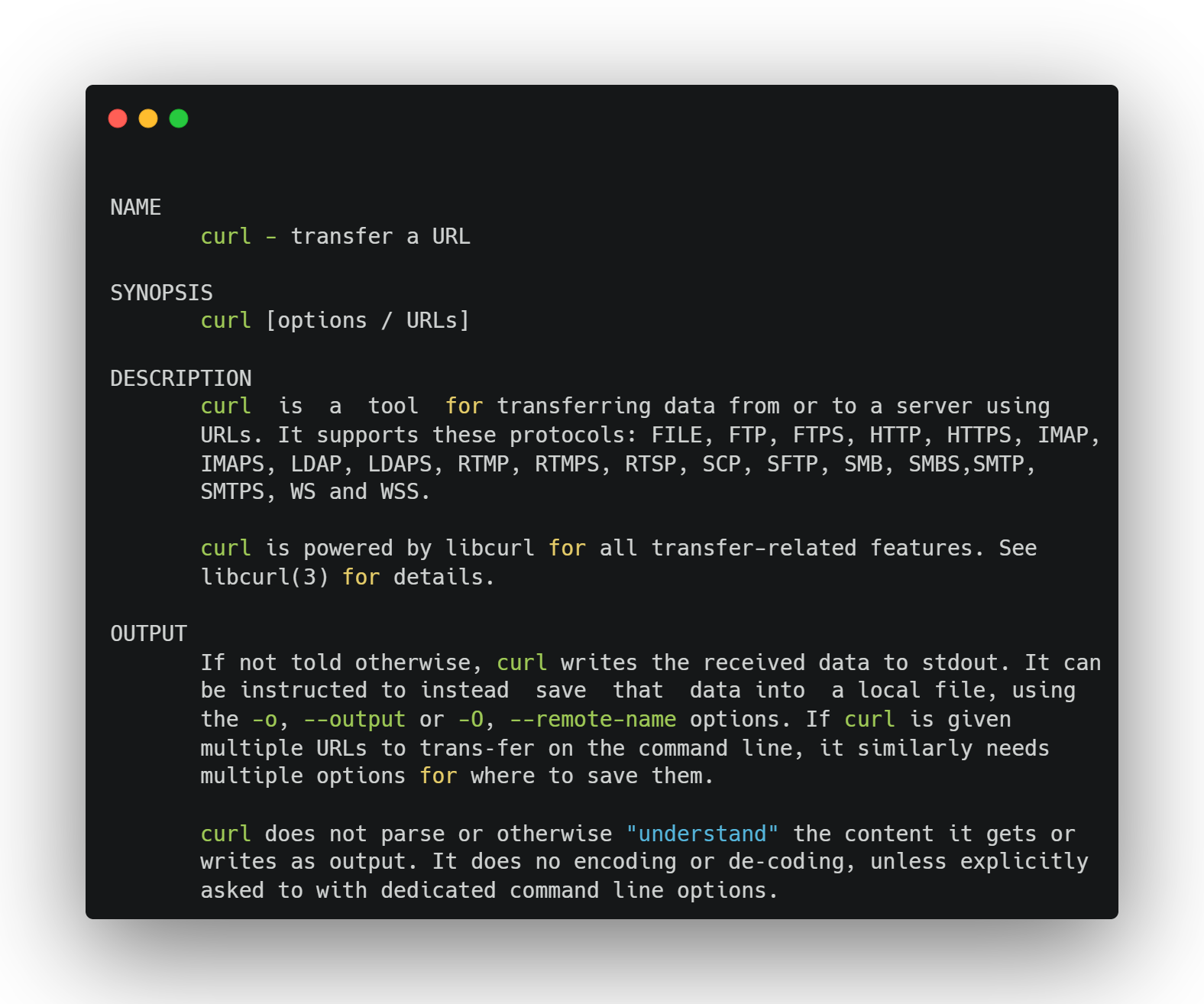
options — allowing us to add flags (-o, -i etc.) to modify output.
URL — we can give the url to fetch / send data.
Request using curl —
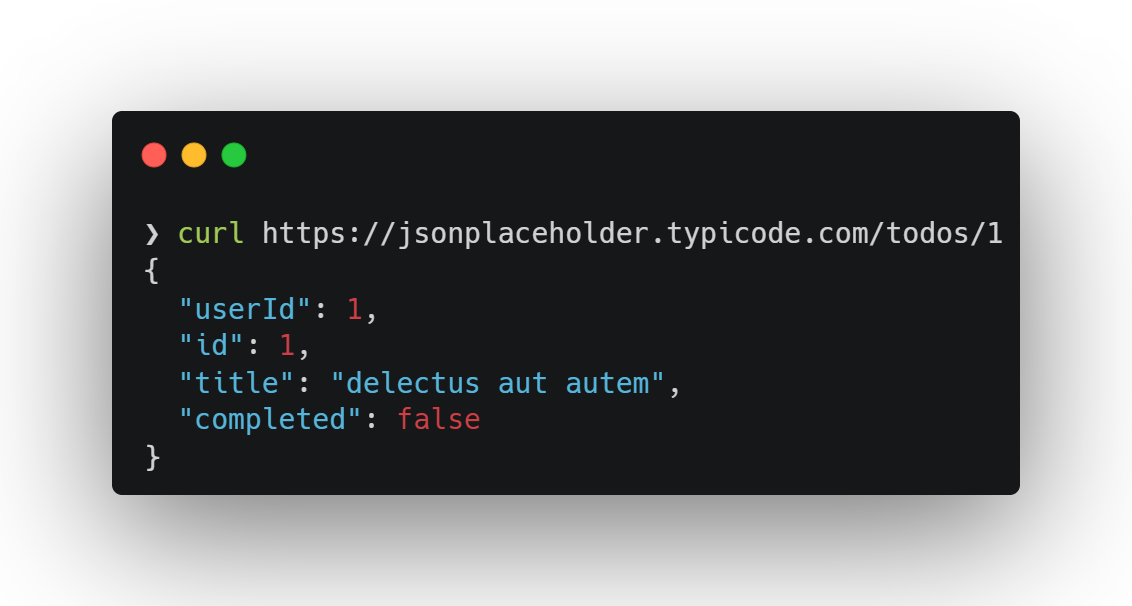
curl https://some-website.com
Curl fetches from the URL and prints the content in the terminal:
Save output in a file
curl example.com -o output.txt
Testing APIs —
Let’s try making a POST request using curl.
When testing APIs we need to send data, use different HTTP methods. curl flags can help us with that:
-X→ choose http method (here, POST)-H→ specify type of data (JSON)-d→ to append our JSON string-v→ verbose output
/ for moving to the next line
curl -X POST https://jsonplaceholder.typicode.com/posts \
-H "Content-Type: application/json" \
-d '{ "title": "foo", "body": "bar", "userId": 1 }'
so, a post request will look something like this using curl and we’ll get the response inside our terminal.
Response —
{
  "title": "foo",
  "body": "bar",
  "userId": 1,
  "id": 101
}
The response returned here is only data oriented, if we use the -v flag, curl prints each and every step that happens while making the request.
common mistakes—
even an extra
” “space can ruin the request, cli is sensitivesince we’re using cli, confusion can increase — no pretty print/write and
using
\to format data / multi line commands can be toughmissing flags or headers (like
-H Content-Type) can lead to request rejection.