CSS Selectors 101: Targeting Elements with Precision
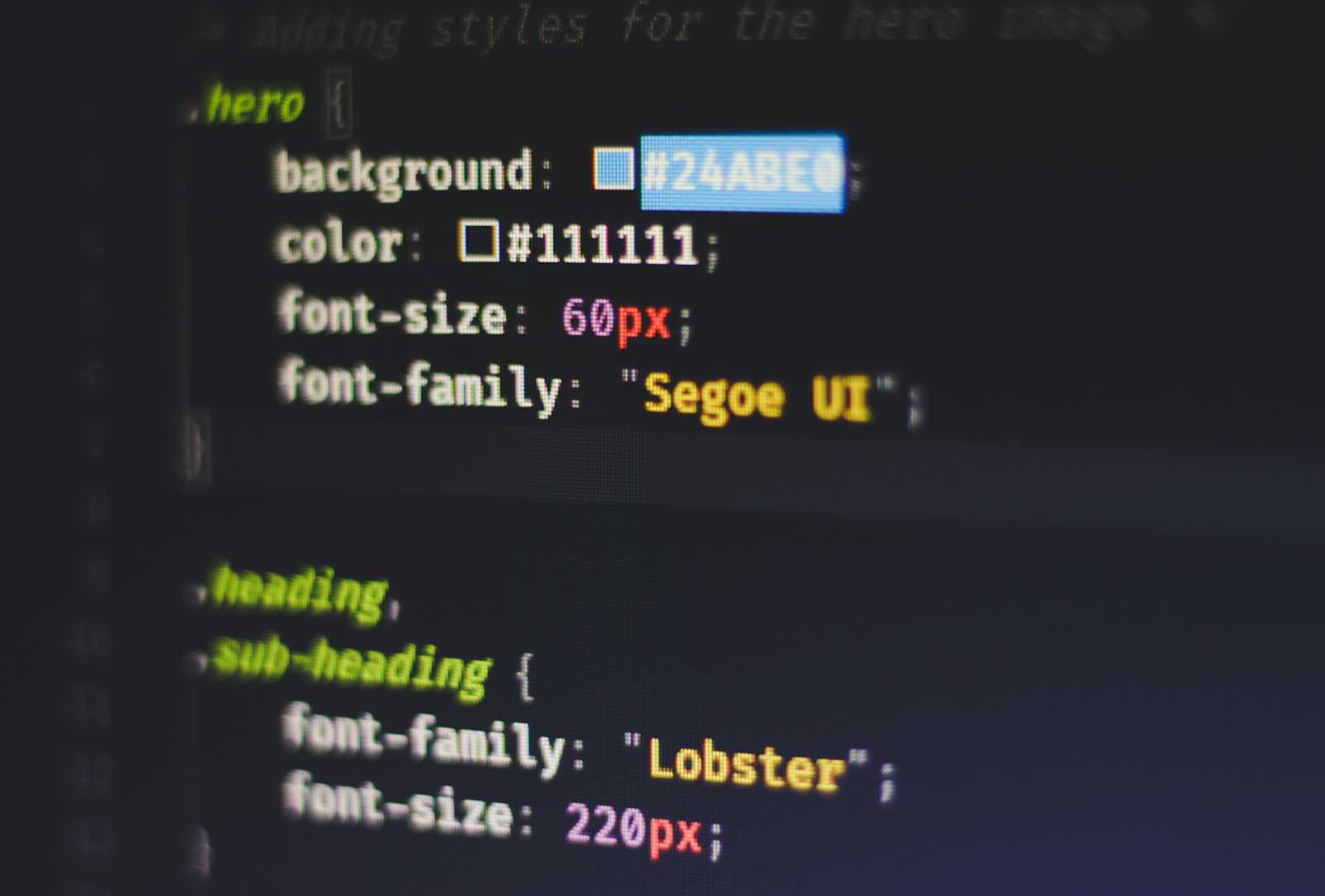
Once the HTML structure is in place, we use CSS to style those elements and turn a simple page into a visually appealing experience.
Let’s explore how these visuals are actually designed —
Selectors —
Selectors are the foundation of css as — these selectors help us target and modify the styles of specific HTML elements. Selectors help us to pinpoint the exact elements, this helps in proper customization and page structure.
The appearance of elements is changed using CSS properties and these properties are written inside CSS selectors. CSS selectors can be written in three ways — Inside a <style> tag, inline using the style attribute, in an external CSS file.
Writing selectors can be easy as they are named after HTML tags—
h1{
    color: white;
    background-color: gray;
}
these are called element selectors — they target all elements of that tag type.
Class and Id selectors —
Other than element selectors, CSS gives class and id selectors, these are used to target elements based on class and id attributes given to elements.
| Class Selector | ID Selector | |
| selection | . | # |
| targets | class="value" | id="value" |
| usability | Can be used on multiple elements | Must be unique |
| flexible | Multiple classes per element allowed | One ID per element |
group selector—
these are used to assign CSS properties to multiple elements at once — quick way to assign same properties to multiple elements.
written, like so:
/* comments */

/* id selector */
#heading{
  color: white;
  background-color: chocolate;
}

/* class selector */
.paragraph_one{
  color: white;
  background-color: cadetblue;
}

/* group selector */
h1, .paragraph_one{
  color: white;
  background-color: chocolate;
}
descendant selector —
As the name suggests, it is used to target elements that exist inside another element / nested elements (children, grandchildren, etc.).
syntax:
/* targets anywhere inside */
div li{
  color: white;
  background-color: chocolate;
}

/* immediate child */
div > p{
  color: red;
}
selector priority—
Starting from low to high priority, element selectors have the lowest priority, followed by class selectors, and ID selectors have the highest priority.
Element selectors < Class selectors < ID selectors
When multiple selectors target the same element, higher priority selectors overrides the styles written inside lower-priority selectors.
p { color: blue; }
.text { color: green; }
#title { color: red; }
the color for this element will be red — since id selector has highest priority.
| ID > Class > Element